Overview
In the latest versions of CaseGuard Studio, an Album is automatically created when more than three images are added to a project. This allows users to quickly organize and process multiple images without manually creating an album.
Once the album is created, AI detection can be applied to all images in the album at the same time, eliminating the need to run AI on each image individually.
This feature is especially useful when redacting Personally Identifiable Information (PII) across a large number of images, reducing a task that could take hours to just seconds.
Steps to Use AI Redaction in an Album in CaseGuard Studio
- Open or create a project in CaseGuard Studio.
If you already have a project open, simply add the image files to the project using the add files button in the shortcuts bar.

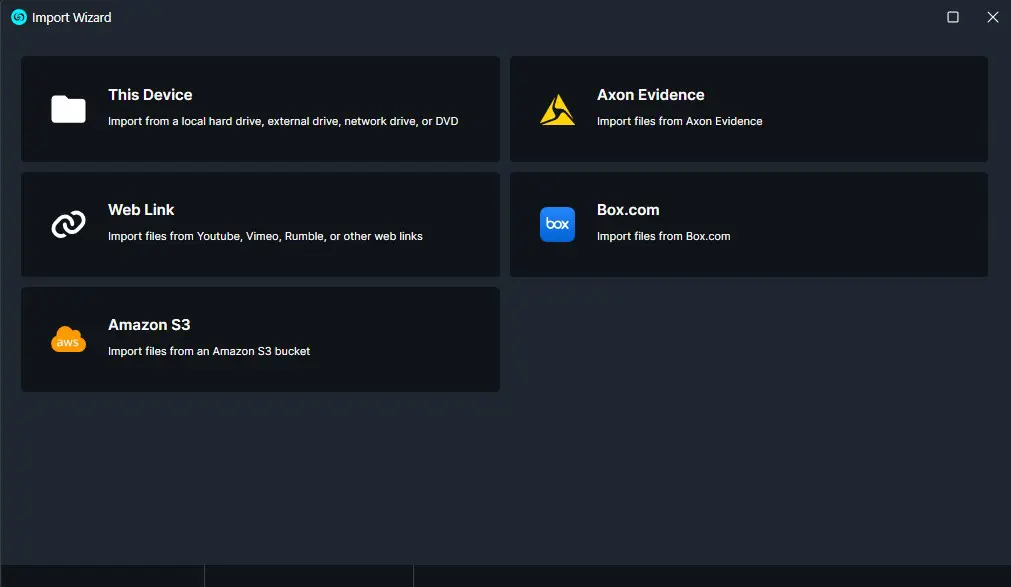
- When the Import Wizard window opens, select This Device.
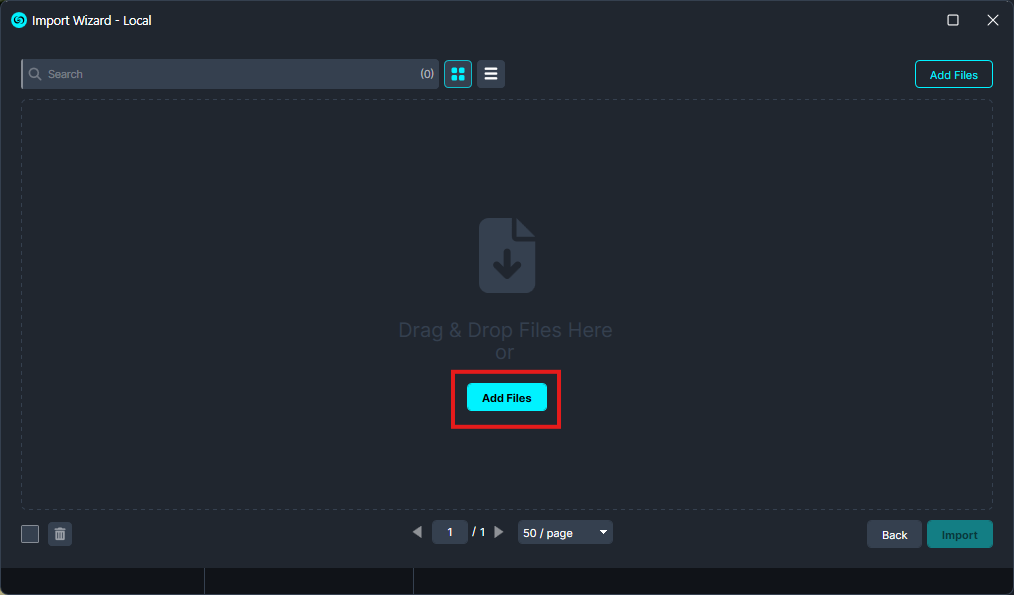
- When the Local window pops up, click the “Add Files” button.
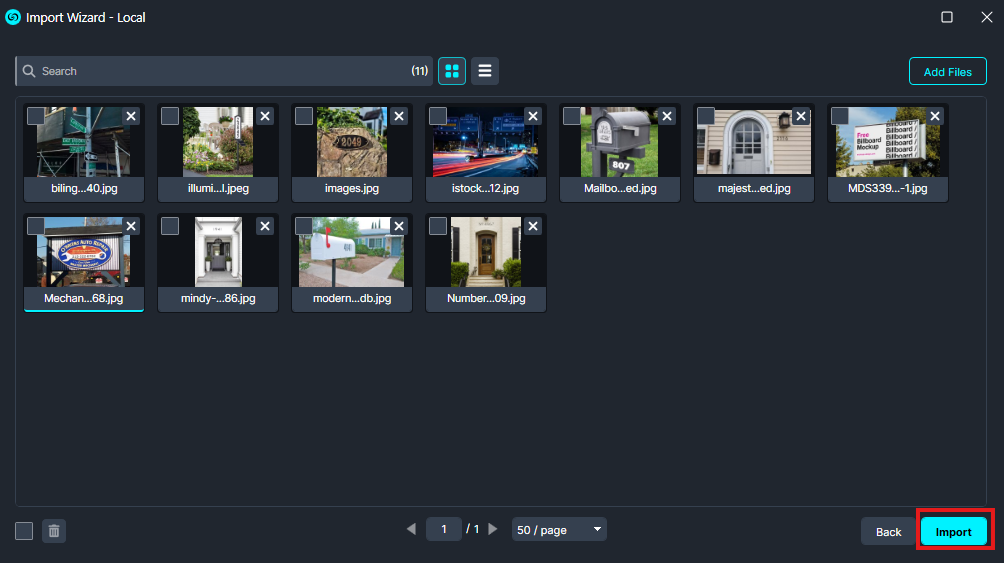
- Select all the photos you want to include in the album and click Import.
Conclusion
The AI Automatic feature with Albums in CaseGuard Studio helps you save time and stay organized when redacting multiple images. By automatically creating an album for three or more images and applying AI detection in bulk. If you have questions or need guidance on using AI redactions or Albums, our team is ready to assist.
📩 Contact us at [email protected]
Was this article helpful to you?
No
Yes
1