For one trial, Roman Hines had to blur a single hat. The man wearing it had wrestled with four Long Beach police officers, and each officer’s body camera caught the struggle from a different angle. The hat could not be visible in court, so Roman went through every camera, frame by frame, in Adobe Premiere. It took him about two weeks.
He later tested the same kind of job in CaseGuard. It took less than a day.
Roman is the legal technologist at the Long Beach City Prosecutor’s Office, and since switching to CaseGuard AI, the office spends 80% less time on video redaction. Court-ready video that took a support staff member all day now takes under an hour.
AT A GLANCE
- Before: Frame-by-frame blurring in Adobe Premiere, with a 10-minute body camera clip taking up to 4 hours
- After: 80% less time spent on redactions, and all-day jobs finished in under an hour
- What made the difference: Automatic detection, object tracking and ready-made redaction templates
- Business result: One legal technologist meets court deadlines without the extra hire the office had considered
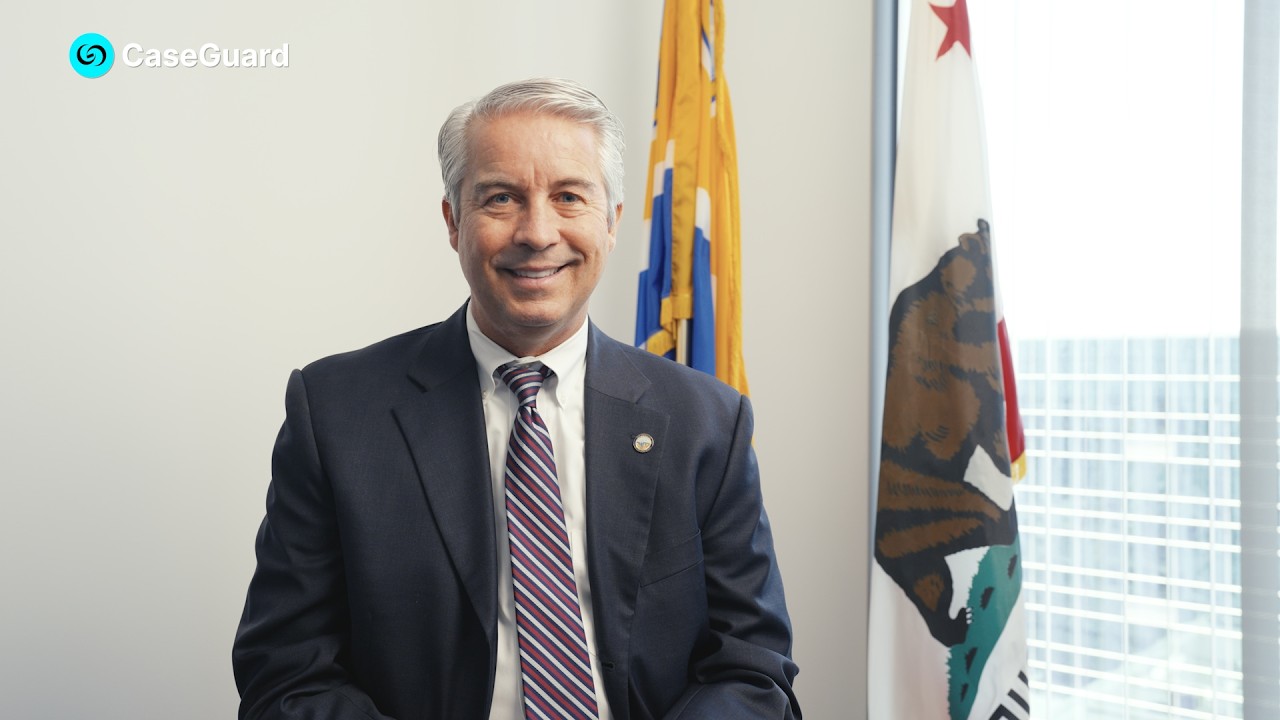
Play Video
ABOUT LONG BEACH PROSECUTOR’S OFFICE
Industry: Government
Location: Long Beach, California
Caseload: 10,000 to 14,000 cases per year
Led by: City Prosecutor Doug Haubert, first elected in 2010
The Long Beach City Prosecutor’s Office prosecutes adult misdemeanors and infractions across the city, from theft and battery to DUI. Felonies go to the LA County District Attorney.
Doug Haubert has prosecuted cases for 27 years. His goal for the office is to keep Long Beach as safe as possible through justice that is fair, accountable and effective.
THE CHALLENGE
Video in almost every case, redacted one frame at a time
When Doug started prosecuting, about one case in 100 had any video, and it was usually too grainy to help. Today almost every case has it. His attorneys may need 10 different videos ready for one case, mostly body-worn camera and security footage.
That footage rarely reaches a jury untouched. Doug describes three versions of every video: the raw recording, the trial cut a judge approves, and what can be released to the public.
“The judges require it, the law requires it, and we have to be very careful in what we do to make sure we don’t violate the law,” he said.
For about 7 years, the office did all of that in Adobe Premiere, a video editor with no automatic redaction. Roman drew a blur box over each face or plate and moved it by hand.
- Short clips took hours. A 10-minute clip could take up to 4 hours.
- Moving cameras made it worse. Body cameras shift with every step, so the box had to be redrawn constantly.
- One ruling could eat two days. Byron Bolton, the office’s chief technical officer, said blurring one license plate across a 2-hour video “would have taken us two days.”
Missed deadlines, rough redactions and witness safety
Redaction is one part of Roman’s job. He also fixes printers, builds trial transcripts and runs the case management system. When an attorney needed a clip by 1:30, his honest answer was sometimes no. Rushed jobs meant blurring a big chunk of the frame and warning the attorney it wouldn’t look professional.
The stakes go past appearance. In pro per cases, defendants represent themselves and see the evidence directly. California Penal Code 1054.2 directs courts to protect victims’ and witnesses’ personal identifying information in those cases.
“Although it may not seem like it, you’re actually protecting lives,” Roman said.
Budget pressure added to all of it. Long Beach is facing significant cuts, and Doug expects his office to present the same evidence with less funding.
THE SOLUTION
Why dedicated AI video redaction software beat a generic video editor
Byron heard about CaseGuard at a California conference, and a CaseGuard rep followed up with a demo where a task that took the team an hour and a half took CaseGuard five minutes.
“We were sold probably in the first 10 minutes because we’ve been doing this for years the manual way,” Byron said.
The office tested a few similar tools. Here’s what put CaseGuard ahead:
Built for agencies like theirs.
Byron says CaseGuard seemed made for large agencies and understood how legal and law enforcement teams work.
One court order, applied to the whole video.
When a judge orders a license plate hidden, CaseGuard redacts it across a 2-hour video automatically instead of frame by frame.
AI that a video editor doesn't have.
Byron names the AI as the biggest difference from generic editing software, for productivity and court turnaround.
Compliance and security.
Byron and Doug were both confident the platform met compliance needs. CaseGuard runs on-premise, so footage doesn't have to go to an outside cloud.
A clear return on cost.
Byron weighed the price against the manual hours it replaces and decided it paid for itself.
A trial run, templates and hands-on training
Doug admits he had “some trepidation” when his staff recommended CaseGuard’s video redaction tools. The office ran a trial first, and he says they enjoyed it so much they knew they had to invest.
Roman spent his first days learning to redact faces, license plates and audio. Prebuilt templates made it simple: check a box, and CaseGuard scans the whole video for those objects. Training with his account manager then showed him object tracking, which follows anything he draws a box around.
Support didn’t stop after setup. Roman says the team checks in often and takes his suggestions seriously, and Byron gets a demo whenever a new enhancement ships.
If you have somebody overseeing the AI process, it's just a tool that's going to help you. It's not making decisions for you. If you want a redaction solution that's reliable and efficient, you should definitely go with CaseGuard.
Roman Hines
Legal Technologist, LBCP
CaseGuard AI handles the first pass, Roman handles the review of the redacted video
Roman now picks what CaseGuard should detect, like faces, plates, screens and driver’s licenses. A specific item from a judge’s order gets object tracking. Then he reviews the result, and if the AI missed something, he can blur it “in like five seconds.”
01
Add body camera, security or multi-angle video from the case file.
02
Run AI detection
Let AI detect and redact faces, license plates, screens, IDs and badges across every frame.
03
Auto-track objects
Draw a box around anything a judge orders hidden and let object tracking follow it.
04
Review and Export
Check the AI's work, fix any misses in seconds, and export for trial or release.
THE RESULTS
80% less time spent on body camera video redaction with CaseGuard AI
80% Less Redaction Time
"We spend 80% less time on redactions now," Roman said.
All Day Down to Under an Hour
Doug says court video prep that took a support staff member all day now takes less than an hour.
Two Weeks Down to One Day
The multi-camera hat redaction took about a day with object tracking.
No more turning down last-minute redaction requests
“I can say pretty much yes to everything,” Roman said. At most he asks for an extra hour. He no longer gives up weekends for last-minute requests, and the office dropped the idea of hiring a second person. Quality improved too, with redacted faces now “almost flawless” instead of a blurred chunk of the screen. For Doug, that efficiency is how the office keeps up as budgets shrink. “I am absolutely looking at CaseGuard as a force multiplier to allow us to handle the same number of cases with less resources,” he said.
Adobe Premier Pro vs CaseGuard AI
Metric
Adobe Premier Pro
Up to 4 hours of frame-by-frame blurring in Premiere
CaseGuard AI
Automatic detection does the first pass, and Roman spends his time on review
Adobe Premier Pro
About two days of manual work
CaseGuard AI
Every plate in the video redacted automatically
Adobe Premier Pro
Sometimes declined, or done with rough, oversized blurs
CaseGuard AI
Nearly always a yes, with professional-looking results
What the team had to say about CaseGuard
Why a prosecutor, a CTO and a legal technologist all recommend CaseGuard
Although I had some reservations when I first started the pilot, I have no reservations moving forward with CaseGuard as a partner to present cases and to keep my community safe.
Doug Haubert
City Prosecutor, Long Beach City
We were set in our ways. When you measure the cost of the software based off of what you save in just the manual process, CaseGuard was well worth it.
Byron Bolton
Chief Technical Officer, LBCP
SEE CASEGUARD IN ACTION
Still blurring body camera footage frame by frame?
If your attorneys are waiting on redacted video, or your one tech person is giving up weekends to meet court orders, Long Beach’s experience is worth a look. Roman’s advice was to demo it with your own videos first, and that’s a good place to start. Book a demo, and we’ll run CaseGuard AI on the footage your office handles every day.
Subscribe to our Newsletter