CaseGuard 9.9.0.1 focuses on smarter AI detection, faster performance on large files, and expanded cloud connectivity. It brings a Microsoft 365 integration, improved AI sorting, multi-page TIFF support, and enhanced PDF redaction.
New Features
- Microsoft 365 integration – Browse SharePoint and OneDrive from inside CaseGuard Studio, select the files you need, redact them, and export the finished version straight back. If your records already live in Microsoft 365, you no longer have to download files to your desktop and re-upload them when you’re done.
- Accelerated AI detection – CaseGuard now builds hardware-optimized detection engines in the background and reuses it on every run. On supported hardware, AI detection runs up to 2x faster. The first time you run it, a pop-up asks whether to build the optimized engine now or later.
- Access redaction reasons through right-click menus – You can now apply a redaction reason to a whole category of PII by right clicking across videos, audio, and PDFs, instead of navigating through menus. Reasons sync from the cloud, so your entire team works from the same approved list.
- See content beneath PDF redaction boxes – Hover your mouse over a redaction box in preview mode to see what is underneath it. This helps you catch over-redaction before you export the file.
- Skip characters – You can now keep the first or last few characters of a redacted item visible, such as the last 4 digits of a phone number or SSN. This works with pattern, list, and AI redactions in PDFs.
- Multi-page TIFF support – Import multi-page TIFF files as an album or as a sequential PDF, and export multi-page TIFFs easily when you are finished. Scanned records keep their original structure instead of coming in as separate images.
- Merge documents with a target page size – When merging documents, you can now set the page size for the merged file, such as Letter or A4. Every page in the merged PDF comes out the same size which is helpful when combining scans, faxes, and exports that arrived in different page sizes.
- New keyboard shortcuts – Rotate documents and switch redaction shapes without taking your hands off the keyboard.
Improvements
- Improved AI sorting now produces 50% fewer, cleaner groups, so reviewing results and unredacting people and objects takes less time than before.
- Searching and redacting very large PDF files with thousands of pages is now smooth, accelerating project completion time.
- CaseGuard Studio now stays responsive while importing large email archives.
- Merging videos is up to 90x faster and the app starts up more quickly, so you get to your redaction projects faster.
- Files saved with the wrong file extension are automatically recognized and corrected on import, reducing overwork.
- Redaction reports have been redesigned with cleaner, modern styling to improve readability.
- The installer has a refreshed design, and the look of the application is cleaner and more consistent throughout, in all 28 supported languages.
- The connect to CaseGuard Cloud Services is faster and more dependable.
Bug Fixes
- Resolved numerous issues across video, audio, image, and document redaction, improving stability and performance issues across modules.
See the New Features in Action!
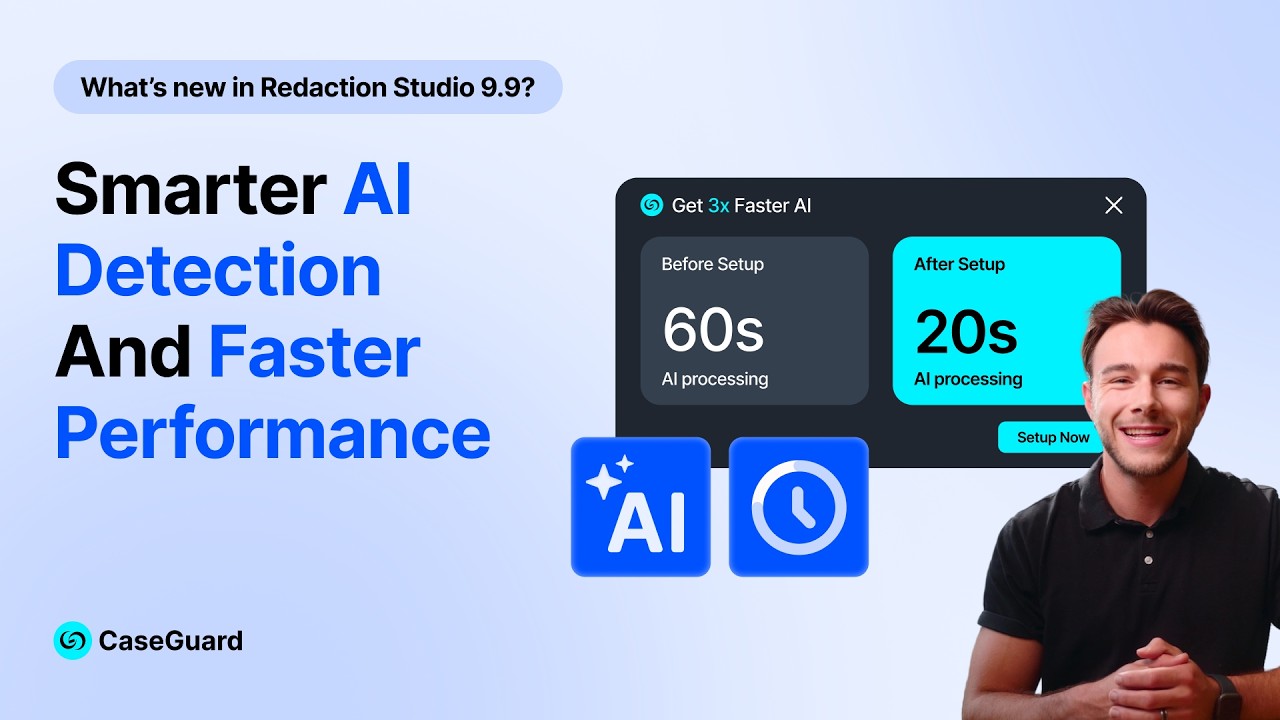
Play Video
If you have any questions about this release or would like a guided walk through, reach out to your dedicated account manager or our support team – we’re always happy to help!